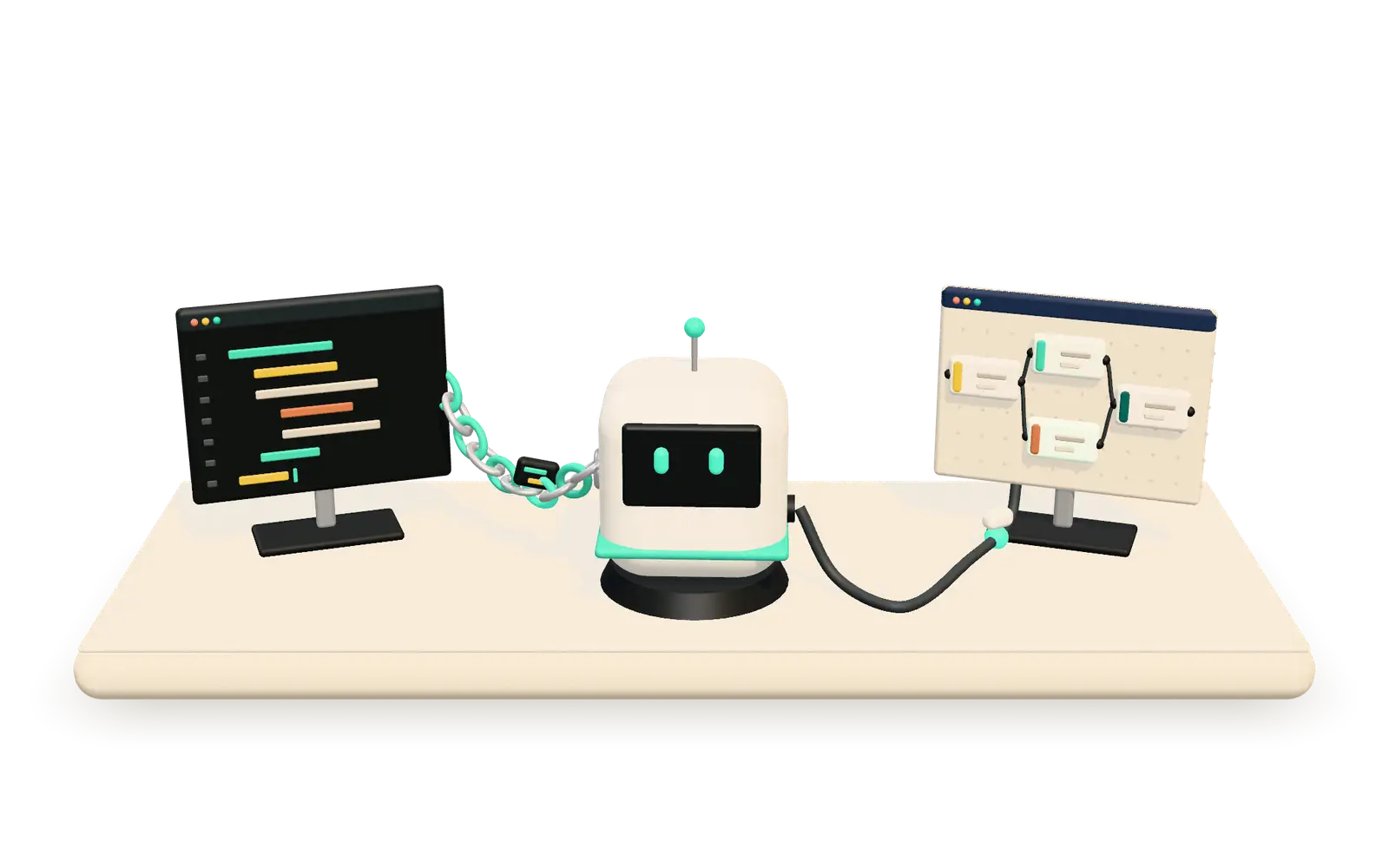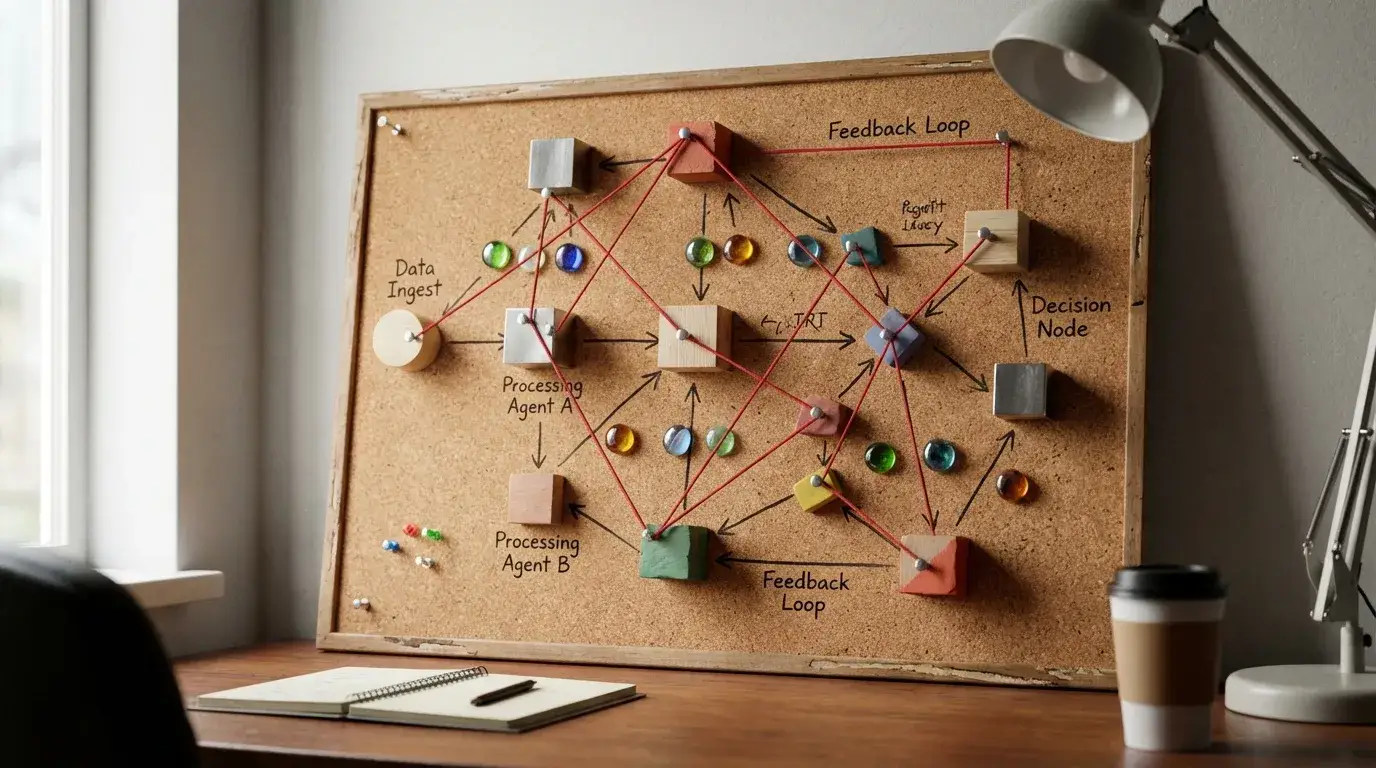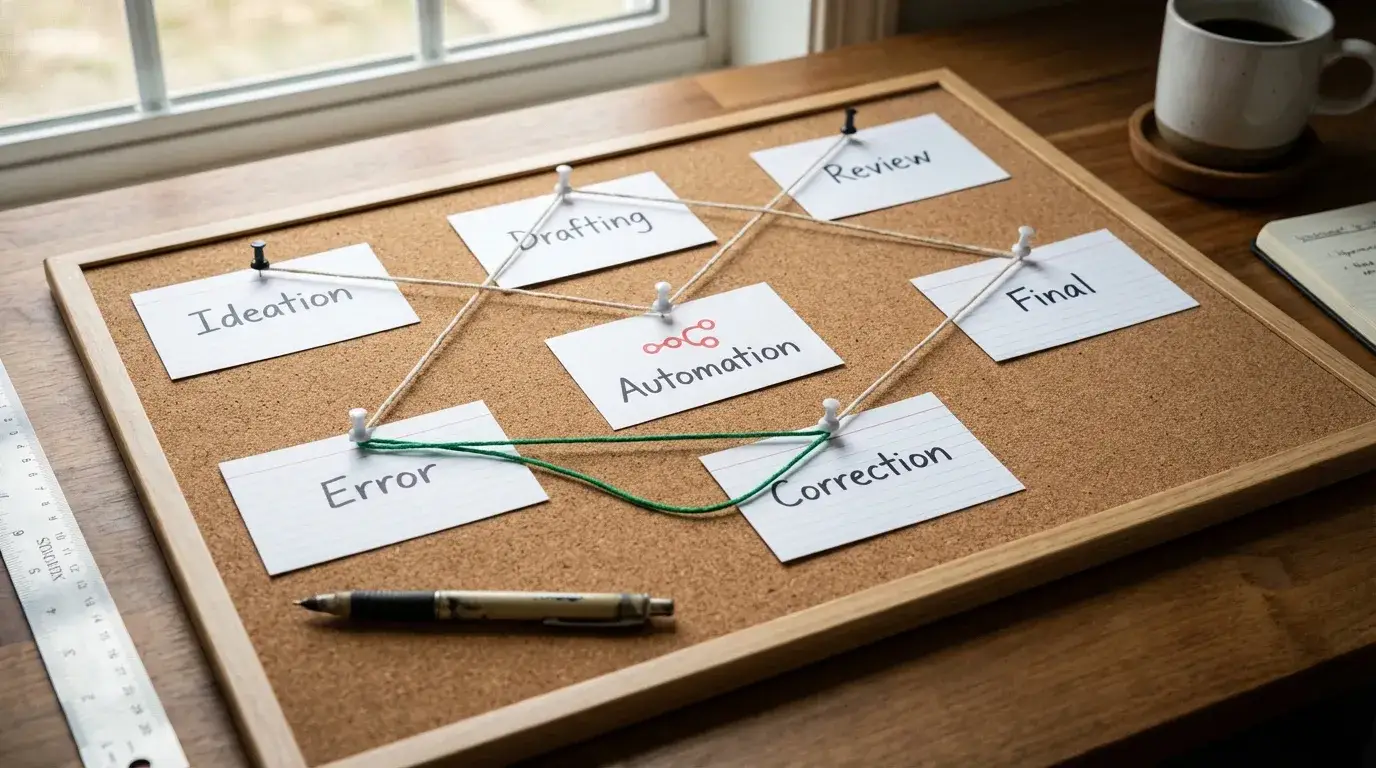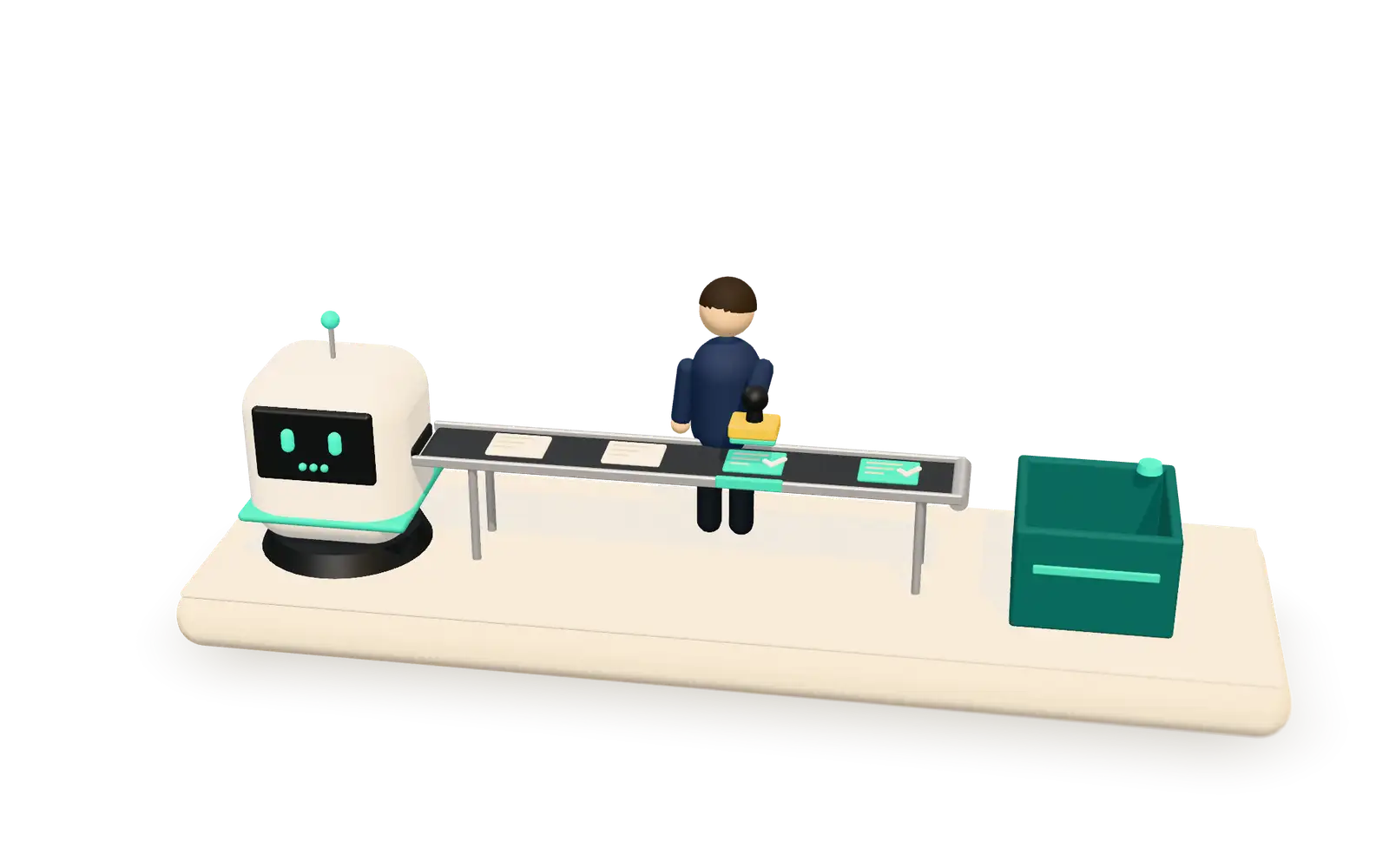
Human-in-the-loop AI means the agent does the preparation and a person makes the decision. In every workflow we build, the AI agent writes its output to a review queue, the queue drains only when a human approves an item, and nothing reaches a customer or a CRM record before that. You can let specific low-risk steps run unattended later, but only deliberately, one step at a time, and in writing.
This is how we run AI in marketing and sales operations for clients and for ourselves. Below is what goes in the queue, how approve, edit and reject work, how to wire approvals into Slack or Microsoft Teams with n8n, and the ways this pattern fails if you are careless.
Why put a human between the agent and your systems?
Because AI models are confident even when they are wrong. A wrong lead score, a made-up detail in a customer email or a field overwritten in the CRM costs more than the time the automation saved. The errors are rarely dramatic; they are plausible, which is worse, because nobody notices them until a customer does.
A review queue moves the catch to before the error happens, and it leaves a record of what the AI proposed and who agreed to it.
The agent still does the reading, researching, sorting and drafting around the clock. People keep the judgment calls, and a good queue makes each call take seconds.
How does the review-queue pattern work?
Every workflow follows the same four steps, the ones we describe on our AI automation page:
- Trigger. A form submission, an email, a CRM update or a schedule starts the workflow.
- AI processing. The model reads the input, enriches it with retrieval over your own documents, and drafts a decision or an output.
- Review queue. The result lands in a queue. The agent has no way to write to the CRM or contact a customer on its own.
- Action and record. Approved items sync to the CRM or database, messages go out, and the right people are notified.
Step two is where the quality of the draft is decided. Grounding the model in your own documents rather than its general knowledge is what keeps drafts from inventing facts; we explain how in Trust but verify: how we use RAG to stop AI hallucinations. Step three is what keeps the remaining mistakes from mattering.
What should go into the queue?
Each item should carry everything a reviewer needs to decide without opening another tool:
- The proposed action, in one line: “Update lead score to Hot”, “Send this reply to the customer”, “Publish this LinkedIn post”.
- The target: which record, which customer, which channel.
- The draft itself, and for record updates, a before-and-after view of the fields that would change.
- The evidence: the inputs and source documents the agent used, so the reviewer can check a claim in one click.
- Why the agent chose it: a short reason, written by the agent, that a person can disagree with.
- What triggered it and when, and when the item expires.
If a reviewer regularly has to go and look something up, the item is missing a field. Fix the item, not the reviewer.
What do approve, edit and reject actually do?
Three buttons, each with a defined consequence:
- Approve executes exactly what was shown, and logs who approved it and when.
- Edit lets the reviewer change the draft, then executes the edited version. The edit is stored next to the original, because the difference is the most useful feedback you will get on the prompt.
- Reject executes nothing and asks for a one-line reason, ideally from a short list such as “wrong facts”, “wrong tone”, “wrong record” or “shouldn’t happen at all”.
Two rules sit around them. Items that nobody decides on expire; they never send by default. And a rejected item doesn’t retry on its own. If the agent should try again, a person sends it back.
Which tasks need approval, and which can run alone later?
Start with everything gated, then relax steps that have earned it. This is how we sort the tasks we automate most often:
| Task | Risk if wrong | Approval rule |
|---|---|---|
| Pre-call sales research brief | Low: internal, read by a rep | Approve while you tune it; candidate to run alone |
| Monday performance report | Low: internal, numbers checkable | Approve for the first weeks; candidate to run alone |
| Performance anomaly alert | Low: a notification only | Can run alone from the start; it changes nothing |
| Lead scoring and enrichment | Medium: routes sales effort | Approve each CRM write; relax later only for enrichment fields |
| Social post or blog draft from a transcript | Medium: public, on brand | Always approve before publishing |
| Reply to a customer from the knowledge base | High: customer-facing | Approve each reply; hand off to a person on defined triggers |
| CRM merges, deletes or stage changes | High: hard to undo | Always approve |
| Ad budget or bid changes | High: spends money | Always approve, with a cap the agent cannot exceed |
The rule for relaxing a step: it is internal or easily reversible, reviewers have stopped editing it over a long enough run that you trust the pattern, and someone owns it. Write the decision down: what now runs unattended, since when, who agreed, and how to switch it back. Keep a small random sample going to review even after that, so drift shows up in a queue rather than in a complaint.
How do Slack and Teams approvals work in n8n?
We build most of these workflows in n8n, with OpenAI, Claude or Gemini doing the language work, depending on the task, the cost per run and where the data is allowed to go. n8n can be self-hosted, so the workflows and the data can stay on infrastructure you control.
The approval itself is a pause. The workflow posts the queue item to Slack or Microsoft Teams with Approve, Edit and Reject buttons, then waits. In n8n that is the Wait node resuming on a webhook, or the send-and-wait operations built into its Slack and Teams nodes. When the reviewer clicks, the workflow resumes down the matching branch, carrying the reviewer’s identity and any edits.
A few things we have learned to do every time:
- Route by rule, not to a crowd. Send each item to the person who owns that decision: by task type, by account owner, or by amount when money is involved. A request posted to a busy channel is a request nobody owns.
- Keep chat for quick decisions. For a high-volume queue, put the items in a table or a simple review screen backed by a database, and use Slack or Teams only to notify. Reviewing forty items one chat message at a time is how fatigue starts.
- Avoid approve links in email. Security scanners in some mail systems open links automatically, which can look like a click. Use chat buttons or a review screen that knows who is signed in.
- Give the agent read-only credentials. Only the branch after approval holds the credentials that can write to the CRM or send email. Then “the agent can’t act on its own” is enforced by access rights, not by trust.
Multi-step agents need this most; see the agentic workflow and LangChain vs n8n for AI agents.
What should the audit trail record?
Enough to answer, months later, “what did the AI propose, who agreed, and what actually happened?” For each item: the input, the model and prompt version, the draft, the reviewer, the decision, the edit if any, timestamps, and the result of the action. Store it in a database or sheet you own, not only in chat history, which gets trimmed, edited and lost when people leave.
The same log is your improvement loop. A rising edit rate on one task tells you the prompt or the source documents need work; a cluster of “wrong record” rejections tells you the matching logic does.
When should an AI assistant stop and hand over to a person?
Customer-facing assistants need a second kind of loop: a handoff in the middle of a conversation. Define the triggers in advance:
- the customer asks for a person, in any wording;
- the conversation goes in circles, with the same question asked twice;
- the tone turns negative, or the topic turns to a complaint, a refund, a contract or anything legal;
- the request is outside what the assistant’s documents cover.
When it hands over, the assistant should pass the full transcript, the customer record and a two-line summary of what has been tried, so the person picks up mid-conversation and the customer never has to repeat themselves. On a voice line the same applies: transfer the call with the transcript, not just the caller.
How does this pattern fail?
In predictable ways, which is good news, because each has a fix:
- Rubber-stamping. Reviewers who see hundreds of near-identical items stop reading. Keep queues small, show only what changed, batch similar items, and rotate reviewers.
- Backlog. An unreviewed queue is a broken workflow. Give every queue an owner and a response time, and expire stale items rather than sending them.
- Stale approvals. The record changed between draft and approval. Re-read the record just before writing, and send the item back if it no longer matches.
- Silent failures. An action fails after approval and nobody notices. Workflows should fail loudly, to a channel with an owner.
- Duplicates. A double click executes twice. Give each item an ID and execute it once.
- Drift. A model update changes behavior overnight. Pin model versions where you can, and re-test before switching.
Do we use this rule in our own products?
Yes. eKmet, our voice app for Slovenian farmers, is built on it. The farmer says what they did on the field, AI prepares the record with the parcel, the product, a dose check and the weather, and the farmer checks and confirms it. AI prepares, the person confirms. You can see how it works on the eKmet page.
For clients the same pattern sits on top of their CRM and reporting. For iSoftpull, a US credit-data software company, we run the CRM end to end, along with the API integrations around it (the iSoftpull case); our CRM and workflows page explains how we rebuild CRMs so automation has a clean place to land.
FAQ
Doesn’t a human approval step defeat the point of automation?
No. The agent still does the slow part: reading, researching, matching and drafting. The person spends seconds on a decision that would otherwise have taken many minutes of preparation, and nothing goes wrong in front of a customer.
Which tools do we need?
A workflow tool such as n8n, an AI model, a place for the queue (Slack, Teams, or a table with a review screen), and a database for the audit trail. Most teams already have most of these.
Can we remove the approval step later?
For specific low-risk steps, yes, deliberately and in writing, with an owner and a sample still going to review. Customer-facing messages and irreversible CRM changes stay gated in what we build.
How much does it cost to build?
It depends mostly on the number of systems involved. We quote on scope after a free audit of the processes your team repeats every week. See AI automation or contact us.