The digital landscape of 2026 demands more than basic analytics. It calls for precision. **GEO Bot Filtering is a strategic process. It identifies, classifies, and excludes automated traffic from specific geographic locations within Google Analytics 4 (GA4). It’s about distinguishing beneficial AI crawlers (like those seeking citations) from malicious data scrapers that corrupt your data.** This isn’t about blind blocking; it’s about surgical strikes. In an era where AI-driven visibility is crucial, a blanket ban on all automated traffic can cost you valuable online presence. Instead, learn to protect your insights while preserving your digital footprint. For a deeper understanding of navigating this new landscape, explore our comprehensive guide to GA4, GTM, and Generative Engine Optimization.
⚡ Key Takeaways
- Not all AI crawlers are detrimental; some boost visibility.
- GA4’s default bot filtering isn’t enough for 2026 threats.
- Custom GEO Bot Filtering protects data and preserves valuable AI interaction.
- A “Decision Matrix” guides surgical filtering strategies.
The Shifting Landscape: Why Traditional Bot Filtering Isn’t Enough for GA4 in 2026
The internet teems with automated traffic. Some bots are vital for search engine indexing and content citation. Others, however, are malicious. They steal data, inflate ad spend, and skew your GA4 analytics, making informed decisions impossible. Traditional bot filtering often treats all non-human traffic as hostile. This outdated approach can inadvertently block legitimate AI crawlers that contribute to your online authority and visibility. Goodish Agency understands this nuance: a successful strategy differentiates between friend and foe. But what about the truly evasive bots, the ones mimicking human behavior?
The Silent Cost: How Malicious Bots Skew GA4 Data, Inflate Ad Spend, and Distort Insights
Imagine your GA4 reports showing a surge in traffic from a country you don’t target. Or a sudden spike in conversions that don’t translate to sales. These are common symptoms of malicious bot activity. They register page views, trigger events, and even fill out forms, creating a distorted reality within your analytics. This leads to wasted ad budget, skewed conversion rates, and a fundamental misunderstanding of your actual user behavior. Without precise GEO Bot Filtering, you’re flying blind.
Not All Crawlers Are Bad: Differentiating Valuable AI (e.g., Citation Bots) from Malicious Scraping
Google’s own crawlers, Bing’s bots, and specialized citation bots are essential. They discover, index, and validate your content, driving organic traffic and building domain authority. Blocking these indiscriminately harms your search ranking and visibility. The challenge lies in identifying which automated visitors contribute positively and which are parasitic. This requires a sophisticated, surgical approach to filtering, far beyond simple “exclude known bots” checkboxes.
GA4’s Built-in Defenses: What They Cover and Where They Fall Short (e.g., known bots, developer, internal traffic filters)
GA4 offers basic bot filtering: it identifies and excludes known bots and spiders. You can also filter internal traffic (your team) and developer traffic. These features are a starting point. However, they fall critically short when facing advanced, evasive scrapers that mimic human behavior or originate from unexpected geographies. They lack the granularity needed for strategic GEO Bot Filtering or the ability to differentiate between specific types of AI crawlers.
Identify Threat
Detect suspicious traffic patterns, user-agent strings, and geographic anomalies in GA4.
→
Classify Bot Type
Determine if traffic is beneficial AI, harmless, or malicious based on behavior and origin.
→
Implement Filter
Apply specific GA4/GTM exclusions for precise GEO Bot Filtering.
→
Monitor & Refine
Continuously audit filter performance and adapt to new threats.
Your Tactical Blueprint: The “AI Crawler & Scraper Filtering Decision Matrix for GA4 (2026 Ready)”
Goodish Agency presents a framework for mastering the AI Scraper War. This decision matrix empowers you to make informed choices, preserving valuable AI interactions while aggressively blocking malicious traffic. It shifts the focus from simple exclusion to intelligent management, ensuring your GA4 data reflects genuine user engagement.
Understanding the Threat Actors: Identifying Different Bot & Scraper Types
Before you filter, you must identify. Bots and scrapers aren’t all the same. They range from benign search engine indexers to aggressive content thieves and ad fraud rings. Each type leaves specific digital breadcrumbs: unique user-agent strings, IP patterns, and behavioral signatures. Recognizing these patterns is the first step in building an effective GEO Bot Filtering strategy.
The AI Crawler & Scraper Filtering Decision Matrix for GA4 (2026 Ready)
| Bot/Scraper Type | Common User-Agent Clues | Typical Geo-Origin | Potential Impact | Recommended GA4/GTM Action |
|---|---|---|---|---|
| Search Engine Bots (Googlebot, Bingbot) | `Mozilla/5.0 (compatible; Googlebot/2.1; +http://www.google.com/bot.html)\` | Global (Varies) | POSITIVE: Indexing, SEO, Visibility | ALLOW (Verify via hostname filter) |
| Citation/News Aggregator Bots | `Embedly/0.2`, `Diffbot/0.9`, `Slackbot` | Global (Often US/EU) | POSITIVE/NEUTRAL: Content discovery, Link building | ALLOW (Monitor activity, consider GTM exclusion for excessive/irrelevant) |
| Malicious Data Scrapers | `Python-urllib/X.X`, `Java/X.X.X`, generic browser strings, rapid page views | Anywhere (Often Eastern Europe, Asia) | NEGATIVE: Content theft, Server load, Skewed data | EXCLUDE (GTM: User-Agent, IP ranges, GA4: Custom dimension for user-agent, then filter) |
| Ad Fraud Bots/Click Farms | Often mimic legitimate browsers, high bounce rates, short sessions, unusual conversion paths | Specific low-cost labor regions | NEGATIVE: Wasted ad spend, Fraudulent leads | EXCLUDE (GTM: IP, Geo, Referrer, GA4: Custom Audiences for suspicious behavior, then filter) |
| DDoS/Vulnerability Scanners | Rapid requests to non-existent URLs, specific tool signatures (`Nmap`, `Nikto`) | Global (Aggressive IPs) | NEGATIVE: Server load, Security risk | EXCLUDE (Server-side, GTM: User-Agent/IP, GA4: Exclude via custom dimension) |
Strategic GEO-Bot Filtering in GA4: A Surgical Strike on Undesirable Traffic
Goodish Agency’s approach moves beyond blunt instruments. We advocate for surgical precision. Instead of simply blocking IPs, leverage GA4’s capabilities and GTM’s flexibility to create highly targeted exclusions. This ensures you maintain a clean data set without sacrificing critical SEO visibility or legitimate AI interactions.
Beyond IP Exclusion: Leveraging Advanced Geo-Blocking Techniques in GA4
IP exclusions are a starting point, but they’re easily circumvented by sophisticated bots using VPNs or proxy networks. GA4 allows for more advanced geo-based filtering using custom dimensions or audience segments. You can create a segment of users from specific, undesirable geographies exhibiting bot-like behavior (e.g., 100% bounce rate, 0-second sessions) and then exclude this segment from your reports. This method targets behavior and location, not just an IP address.
Crafting Geo-Specific Exclusions via Google Tag Manager (GTM) for Precision
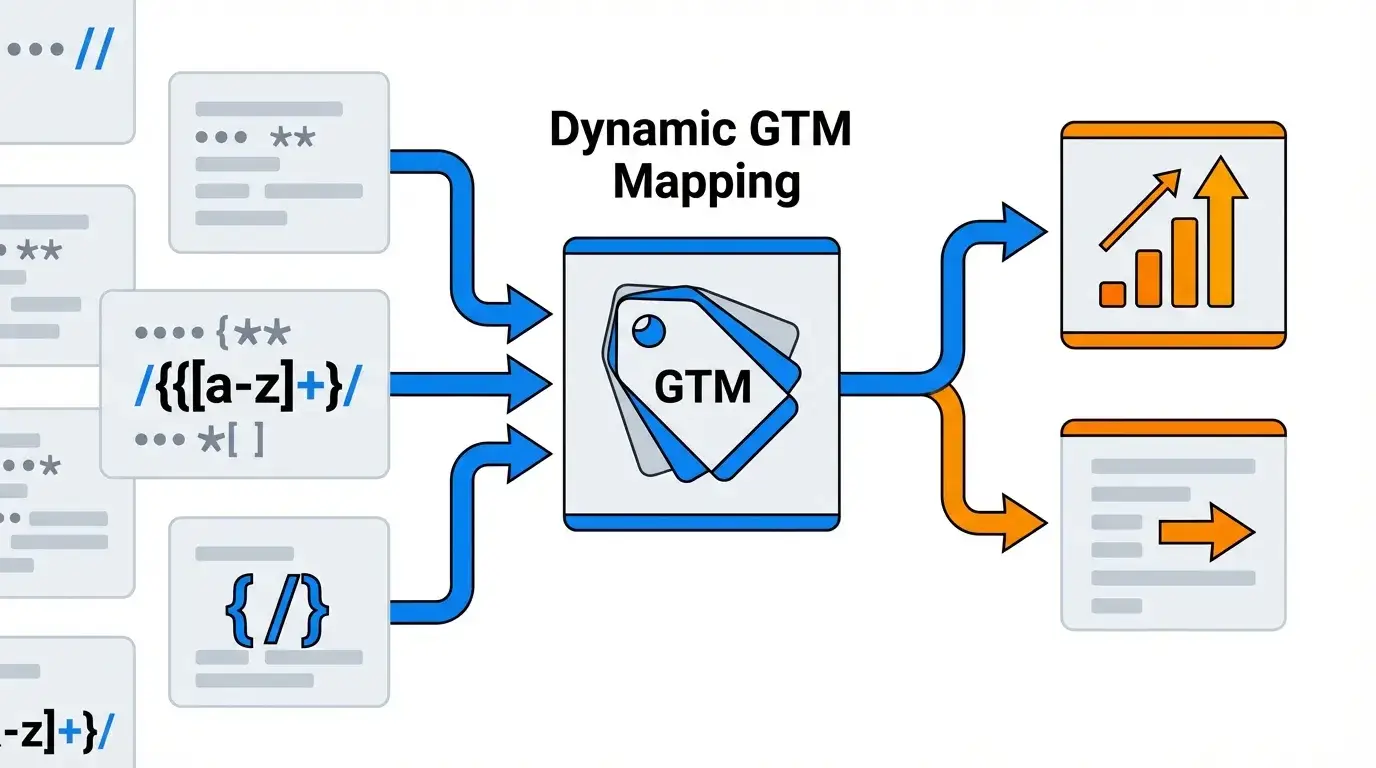
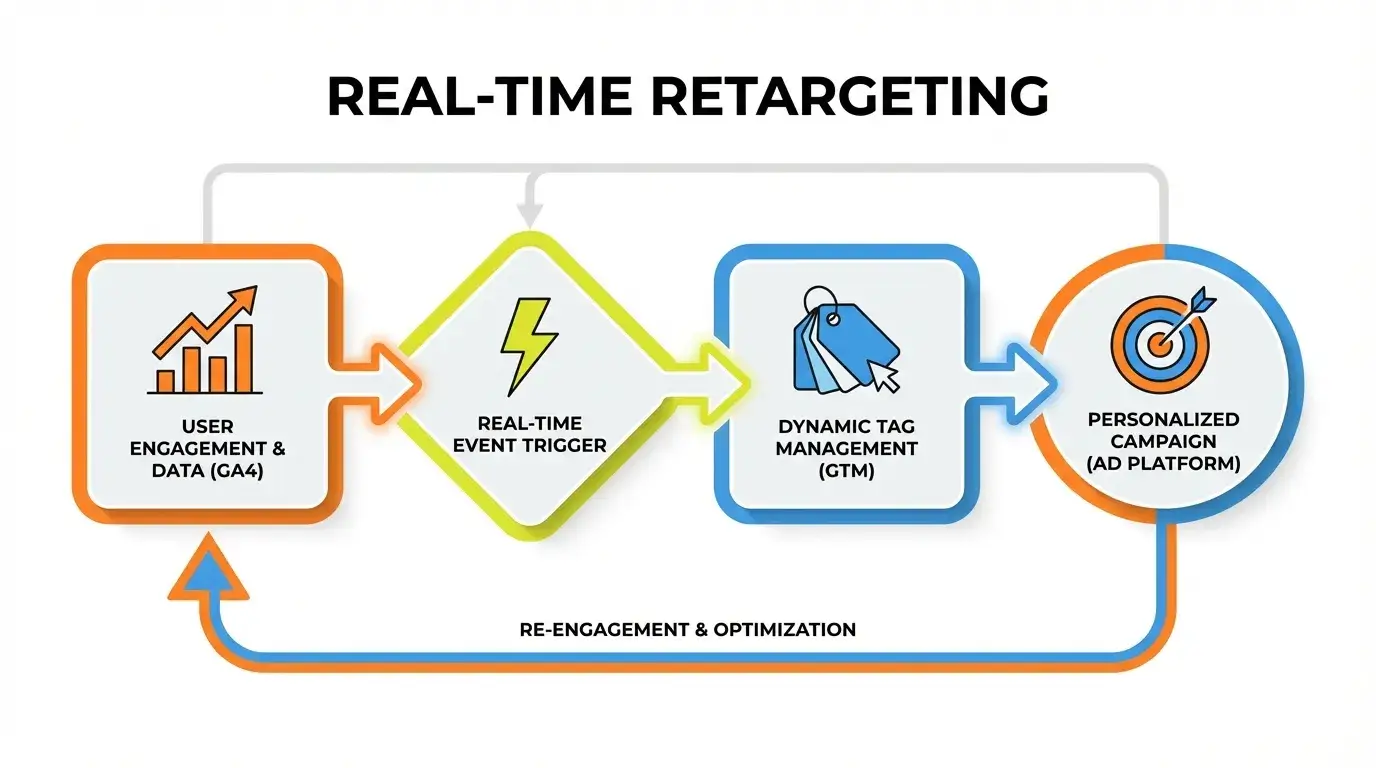
GTM is your most powerful ally for precise GEO Bot Filtering. You can create custom variables that capture geographical data (country, city, region) and combine it with other signals like user-agent strings or referrer information. Then, set up triggers to fire GA4 tags *only* when specific conditions are met, or conversely, to *not* fire when undesirable geo-bot conditions are present. This allows for dynamic, real-time filtering before data even hits GA4.
Harnessing Server-Side Tagging for Unparalleled Geo-Filtering Control
For ultimate control, server-side tagging offers a robust defense. Instead of your browser sending data directly to GA4, it sends data to your own server-side GTM container. Here, you have total control to inspect and filter requests based on any server-side logic: IP ranges, geo-location, user-agent, request headers, even custom threat intelligence feeds. Only clean, legitimate data is then forwarded to GA4. This offers a nearly impenetrable layer of GEO Bot Filtering, far beyond client-side limitations.
Turn Your Data Into Revenue
Join 40+ innovative brands using Goodish to unlock the “Why” behind user behavior. From server-side tagging to advanced retention modeling—we handle the tech so you can handle the growth.
Implementing Your Advanced Bot Filtering System in GA4: A Step-by-Step Guide
Building a robust defense requires careful implementation. Follow these steps to deploy your advanced GEO Bot Filtering system, ensuring data accuracy and strategic visibility for your business.
Step 1: Configuring Core GA4 Data Filters (Internal & Developer Traffic)
Start with GA4’s foundational filters. Identify your internal IPs and developer IPs. Set up data filters within GA4’s Admin section to exclude this traffic. This prevents your own team’s activity from skewing your reports, creating a cleaner baseline for detecting external bot activity.
Step 2: Setting Up Custom Events and Audiences for Geo-Based Exclusion
In GA4, create a custom event that fires when a user’s geographic location (e.g., `country` parameter) matches a known bot-heavy region. Combine this with behavioral signals like `bounce_rate` or `session_duration`. Then, build an audience that includes users triggering this custom event. You can then exclude this audience from specific reports or analyses, effectively filtering geo-specific malicious traffic.
Step 3: Deploying GTM Variables and Triggers for Granular User-Agent Filtering
Use GTM’s built-in variables for “User-Agent” and “Geo” (if available through a data layer). Create custom JavaScript variables to normalize or extract specific parts of the user-agent string. Then, build triggers that prevent GA4 tags from firing if the user-agent matches known bot patterns *and* the geographic location is undesirable. This is where the Decision Matrix becomes invaluable.
Step 4: Verifying and Validating Your GA4 Bot Filters for Accuracy
Implementation isn’t the final step. After deploying filters, monitor your GA4 data closely. Use GA4’s Realtime reports to see traffic changes. Compare filtered data with unfiltered views (if you’ve set up a test property). Look for significant drops in traffic from suspicious regions or changes in bounce rates. This validation ensures your GEO Bot Filtering is working as intended, without over-filtering legitimate users or under-filtering malicious bots.
Maintaining Your Defenses: Future-Proofing Your GA4 Bot Filtering Strategy
The “AI Scraper War” is ongoing. New bots emerge constantly, and old ones evolve. A static filtering strategy is a failing strategy. Goodish Agency emphasizes continuous vigilance to keep your GA4 data pristine and actionable.
Regular Audits: Why Continuous Monitoring is Crucial in the “AI Scraper War”
Schedule quarterly or monthly audits of your GA4 data. Look for new anomalies in traffic sources, geographic distribution, user-agent strings, and behavioral patterns. Are new IP ranges appearing from known bot origins? Have previously benign user-agents started exhibiting malicious behavior? Regular audits allow you to detect new threats early and adapt your GEO Bot Filtering rules.
Adapting to Evolving Threats: Staying Ahead of New Bot & Scraper Tactics
Bots and scrapers constantly adapt. They use rotating IPs, mimic human click patterns, and forge user-agent strings. Stay informed about the latest threat intelligence. Goodish Agency regularly researches emerging bot tactics. Be prepared to update your GTM configurations, GA4 custom dimensions, and server-side logic. Flexibility and rapid adaptation are key to winning the “AI Scraper War.”
Final Verdict
Blindly blocking all automated traffic in GA4 is a short-sighted strategy. The future of analytics demands a surgical approach to **GEO Bot Filtering**. By differentiating between valuable AI crawlers and malicious scrapers, and implementing precise filters via GA4 and GTM, you safeguard your data integrity. Remember, continuous monitoring and adaptation are critical to staying ahead in the ongoing AI Scraper War. Your data’s accuracy depends on it.
Data Integrity
Strategic Visibility
No Filtering
Blind Bot Blocking
Basic GA4 Filters
Surgical GEO Bot Filtering