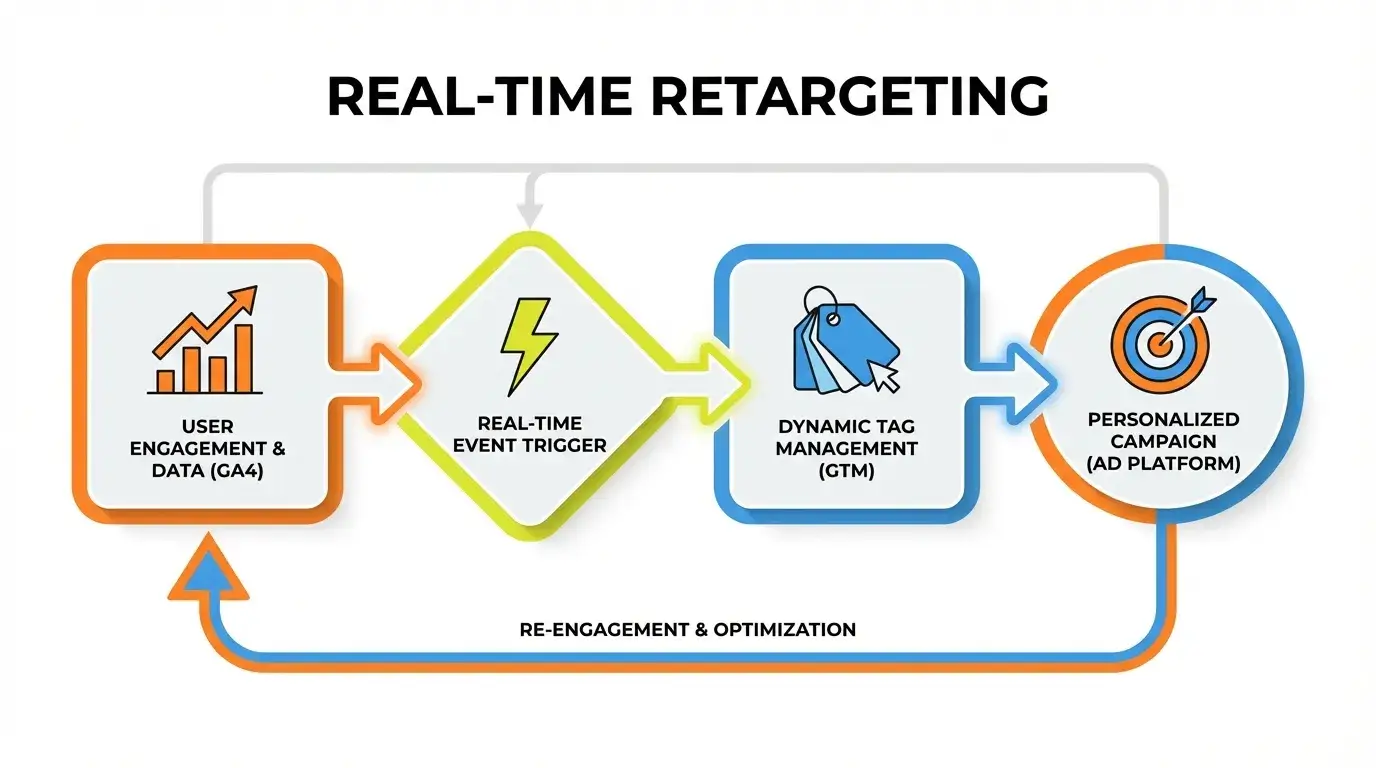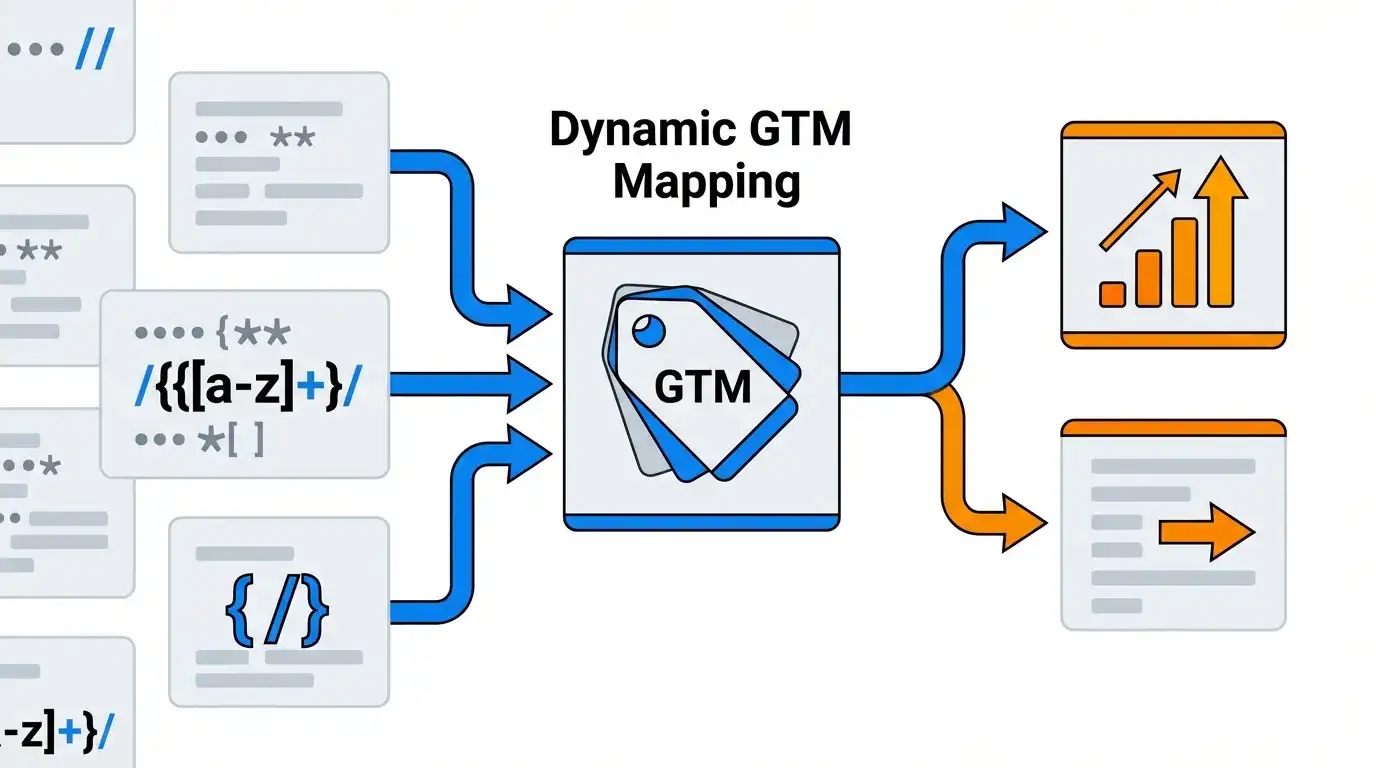
Many businesses hit a wall using basic Google Tag Manager configurations. For enterprise-level tracking, **GTM Lookup Tables are a powerful variable type that maps an input value (like a URL path or data layer variable) to an output value (like an event name or GA4 custom dimension value) based on exact matches.** This allows for dynamic tag and variable configuration without writing extensive custom JavaScript. However, relying solely on simple lookup tables can quickly become a bottleneck for complex environments. Mastering advanced techniques, especially combining them with RegEx Tables, is crucial for truly dynamic GA4 tracking at scale. If your current GA4 implementation feels like it’s dragging, understanding advanced GTM strategies is key. Goodish Agency offers a comprehensive guide to GA4 consulting, ensuring your setup is built for future growth.
⚡ Key Takeaways
- Simple GTM Lookup Tables are foundational but limited for large-scale, dynamic tracking.
- RegEx Tables provide powerful pattern matching, essential for enterprise GA4 implementations.
- Combining Lookup and RegEx Tables enables highly scalable mapping of URLs to specific business entities.
The GTM Lookup Table: Beyond the Basics
Basic GTM Lookup Tables serve a clear purpose: map one input to one output. For instance, `URL A` maps to `Category X`, `URL B` maps to `Category Y`. This works well for a fixed, small number of predefined inputs. The challenge arises when inputs become numerous or dynamic. Imagine needing to map thousands of product URLs to their corresponding categories, brands, or business units for GA4. Manually maintaining such a lookup table becomes an insurmountable task. Each new product or URL requires a manual update, creating an endless cycle of maintenance and potential error. This is where the core problem emerges: simple lookup tables, while efficient for simple tasks, quickly fall short for enterprise analytics that demand dynamic data mapping and reduction of manual configuration across large sites. They lack the flexibility to handle variations or evolving patterns, forcing a trade-off between detail and maintainability.
1. Identify Dynamic Need
Recognize the need for scalable mapping beyond fixed values.
2. Design RegEx Pattern
Craft specific Regular Expressions to capture dynamic URL segments.
3. Implement GTM Variables
Set up RegEx Table Variables or Lookup Tables with RegEx inputs.
4. Configure GA4 Tags
Use output values to dynamically populate GA4 event parameters or custom dimensions.
5. Test & Validate
Thoroughly check all configurations to ensure accurate data collection in GA4.
The RegEx Table Advantage: Unlocking Dynamic Mapping
Enter the GTM RegEx Table variable. While a standard lookup table demands exact matches, a RegEx Table uses regular expressions to match patterns in your input. This is a crucial distinction. Instead of mapping ‘pageA.html’ to ‘Category X’, you can define a pattern like `^/products/([^/]+)/` to extract any value that comes after `/products/` in a URL. This single rule can dynamically categorize thousands of product pages. When should you choose a RegEx Table? When your inputs follow a discernible pattern but aren’t identical. This could be URL structures, query parameters, or specific data layer values. Advanced RegEx patterns allow for incredible flexibility, capturing specific groups from a string, handling optional elements, or defining complex sequences. For instance, `^/blog/([0-9]{4})/([0-9]{2})/([a-zA-Z0-9-]+)/$` can capture year, month, and slug from blog post URLs, allowing you to dynamically assign GA4 content groupings based on publication date or topic.
Turn Your Data Into Revenue
Join 40+ innovative brands using Goodish to unlock the “Why” behind user behavior. From server-side tagging to advanced retention modeling—we handle the tech so you can handle the growth.
Dynamic Mapping Strategy Matrix
| Criterion | Simple Lookup Table | RegEx Table | Lookup Table with RegEx Input |
|---|---|---|---|
| Complexity of Logic Handled | Low (exact match) | Medium-High (pattern matching) | High (pattern matching + exact output mapping) |
| Scalability for Thousands of Entities | Poor (manual maintenance burden) | Good (single rule handles many) | Excellent (flexible pattern extraction mapped to fixed outputs) |
| Maintenance Effort | High (for large sets) | Low (once RegEx is defined) | Medium (RegEx refinement + output management) |
| Ideal Use Case | Fixed, limited key-value pairs (e.g., test/live environment) | Extracting dynamic parts from strings (e.g., URL parameters, subfolders) | Mapping extracted dynamic data to specific business entities/categories |
| GA4 Specific Application | Basic event customization, fixed custom dimensions | Populating dynamic `item_id`, `item_list_name` from URL | Complex content grouping, mapping product IDs to internal categories, dynamic user properties |
When *Not* to Use Lookup Tables: Alternatives for Ultimate Flexibility
While GTM Lookup and RegEx Tables are powerful, they aren’t the solution for every scenario. There are times when their structured nature limits true flexibility, especially when logic becomes highly conditional or involves complex data manipulations beyond simple mapping. For ultra-complex logic, where decisions depend on multiple variables, real-time calculations, or intricate sequential conditions, Custom JavaScript Variables offer unparalleled control. These variables allow you to write full JavaScript functions, leveraging the entire DOM, data layer, and GTM’s built-in APIs. An example might be dynamically setting an `event_value` based on a product’s price, discount percentage, and user’s loyalty status, all derived from different data layer pushes and cookies. For massive scale, especially involving server-side data processing or integration with multiple backend systems, Server-Side GTM (sGTM) coupled with API integrations provides the most robust solution. This shifts processing off the client-side, improving site performance and enabling richer data manipulation before sending to GA4. It’s a strategic choice for enterprises dealing with high traffic, privacy concerns, or the need for advanced data enrichment that client-side GTM simply cannot handle efficiently. Prioritizing maintainability over over-engineering means recognizing when a simpler, more robust solution, even if more technically involved, yields better long-term results than stretching a lookup table beyond its logical limits.