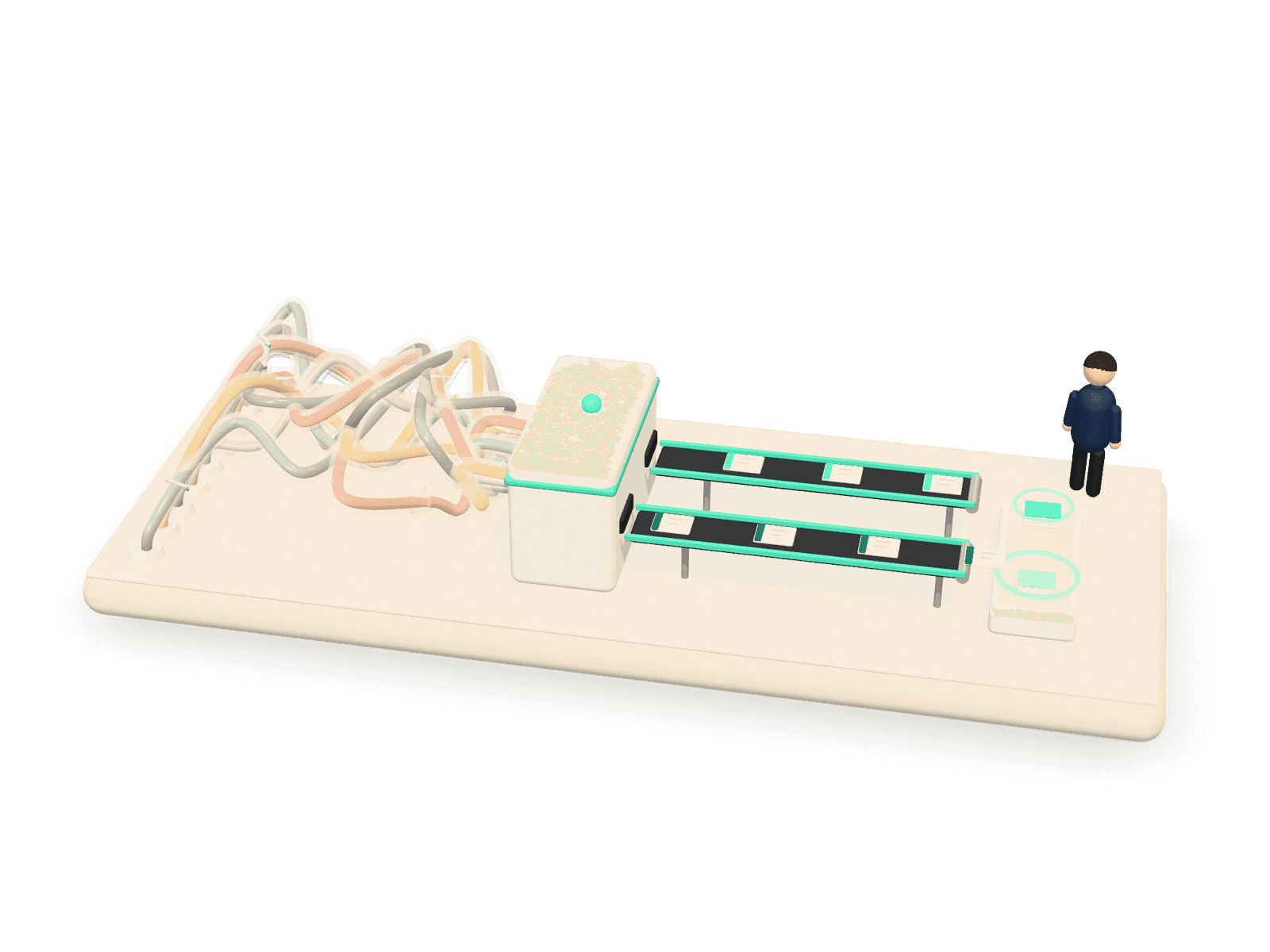
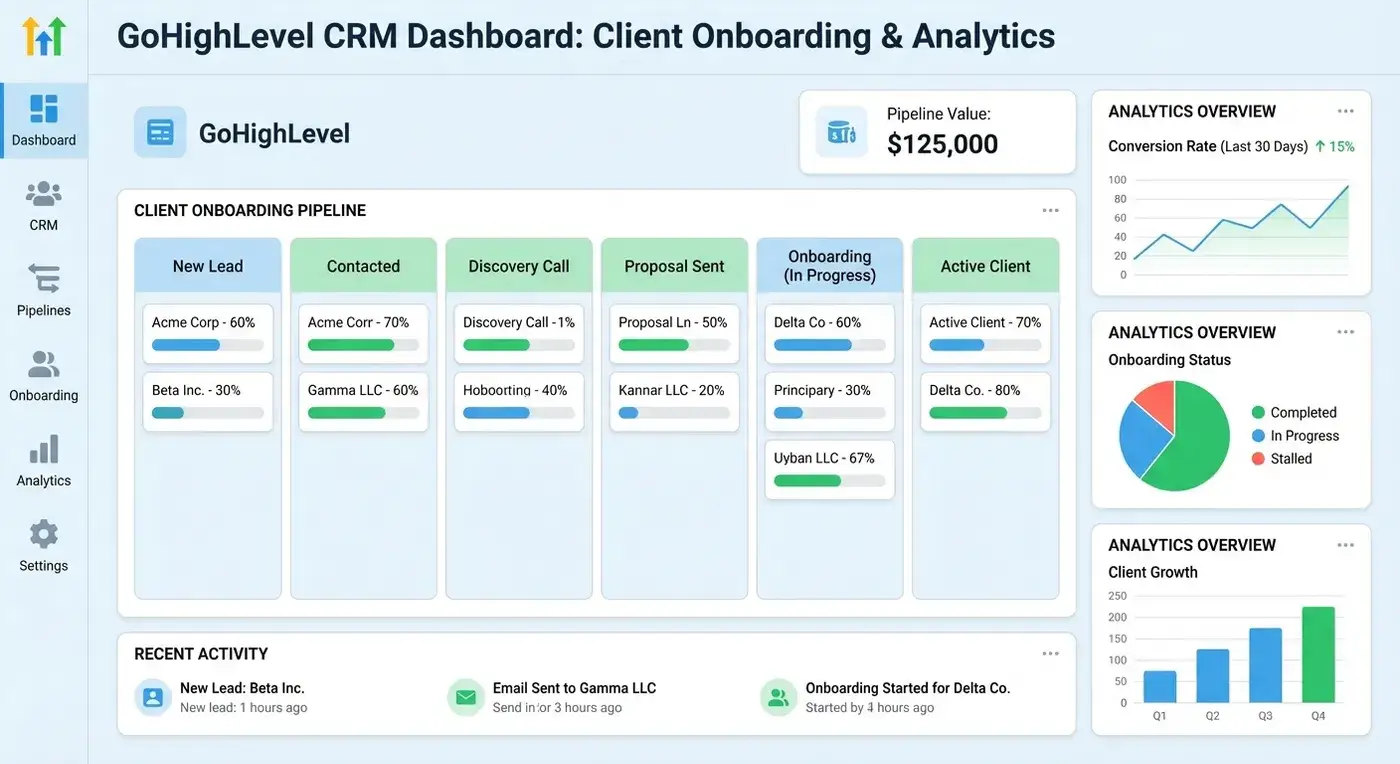
Your CRM should be a powerful engine for business growth, not merely a contact database. If you’re constantly engaged in manual data entry, struggling to quantify its impact, or questioning its role in accelerating deals, a strategic shift is required. The issue isn’t your CRM’s inherent limitations, but rather its current configuration. This is precisely where a CRM automation consultant can deliver significant, measurable improvements.
Unlocking Your CRM’s Full Potential.
Many SMBs invest in a CRM with grand visions of streamlined sales, marketing, and service. Often, the reality falls short, limiting the system to basic contact management. While the technology’s capabilities are clear, configuring intricate workflows can be daunting.
The Role of a CRM Automation Consultant in Your Business.
A CRM automation consultant acts as a strategic partner, translating your business goals into efficient automated processes. Their objective is to transform your CRM from a passive data repository into an active, intelligent assistant, thereby enhancing operational efficiency and strategic impact.
Core Responsibilities of a CRM Automation Consultant
- Strategic Blueprinting: They dig deep into your processes, pain points, and business objectives, mapping out how automation can get you there.
- System Configuration & Customization: They configure your CRM (Salesforce, HubSpot, Zoho, etc.) to fit your unique needs, creating custom fields and layouts to speak your business language.
- Automation Design & Implementation: This is the good stuff! They build the automated workflows, sequences, and triggers that do the heavy lifting.
- Data Migration & Integration: Got data stuck elsewhere? They’ll move it safely into your CRM and connect it to other essential tools (like accounting or marketing platforms) for seamless communication.
- Training & User Adoption: A fancy system is useless if your team doesn’t use it. Consultants provide training and documentation, ensuring everyone feels confident.
- Performance Monitoring & Optimization: Their job isn’t done at launch. They help set up reporting, monitor performance, and suggest tweaks for continuous ROI.
The CRM Automation Project Lifecycle
Working with a consultant isn’t a one-off email. It’s a structured partnership, flowing through distinct phases. Knowing these helps you set expectations and understand your investment.
Phase 1: Discovery & Strategy
Your consultant plays detective: interviewing, analyzing processes, and identifying bottlenecks. Together, you define clear objectives and success metrics. This phase is crucial for building a solid foundation.
Phase 2: Design & Development – The Blueprint & Build
With strategy in hand, your consultant designs specific automation workflows, mapping the customer journey and system connections. Then, they configure your CRM, setting up new modules, custom objects, and the logic for your automations.
Phase 3: Implementation & Testing
Once built, automations are deployed. Rigorous testing is a must before going live. Your consultant runs scenarios, ensuring every trigger fires, email sends, and data point updates exactly as planned. Think of it as a dress rehearsal.
Phase 4: Training & Support – The Handover
Your team receives tailored training sessions and user guides to ensure confidence and proficiency. Post-launch support ensures smooth operation.
Phase 5: Monitoring & Optimization
After launch, the consultant helps track automation performance: Are lead response times down? Conversion rates up? They’ll set up dashboards and reports for a clear view, suggesting further tweaks. It’s about continuous improvement.
Practical CRM Automation Use Cases
This automation solves real business problems.
Sales Automation: Turbocharging Your Pipeline
- Automated Lead Routing: New lead? Zap! It’s instantly assigned to the right rep based on territory, interest, or score. No more manual distribution or missed opportunities.
- Follow-Up Triggers: Prospect downloads content? A personalized email sequence kicks off, followed by an internal task. Deadlines missed? Automated reminders ensure no dropped balls.
- Deal Stage Progression: When a deal moves, your CRM automatically updates fields, triggers notifications, and creates follow-up tasks. It’s like a project manager for every deal.
Marketing Automation: Smarter, Faster Engagement
- Personalized Nurture Campaigns: Based on behavior, contacts receive highly relevant content. No more generic blasts!
- Audience Segmentation: Your CRM automatically segments contacts into lists for tailored messages.
Customer Service Automation: Keeping Customers Happy (Effortlessly)
- Automated Ticket Creation & Routing: Customer submits a support form? A ticket is instantly created and assigned to the right agent, categorizing the issue and pulling up customer history.
- Satisfaction Surveys: After a service ticket closes, an automated survey can be sent for real-time feedback.
KPIs and Reporting: Measuring Automation Impact
What’s the point of automation if you can’t measure its impact? A good consultant equips you to see the results, defining Key Performance Indicators (KPIs) and building reporting dashboards that tell the real story. You’ll get dashboards showing lead conversion rates, average sales cycle length, customer response times, and service ticket resolution speed. It’s all about clear, visual data for informed decisions.
Communication & Documentation Standards
A professional consultant prioritizes clear communication and thorough documentation when implementing critical business systems.
Transparent Communication Standards
Expect regular check-ins – weekly or bi-weekly meetings are standard. They should use a clear project management tool, keeping you updated on progress, milestones, and roadblocks. You’ll know who to contact and how, ensuring questions are answered. Think of it as a clear flight path.
Comprehensive Documentation & Knowledge Transfer
This is where wisdom gets written down. You should receive detailed documentation for all automations and configurations: solution design documents, Standard Operating Procedures (SOPs), and user manuals. It’s your instruction manual for self-sufficiency.
Pricing Models and Project Timelines
Clients often inquire about the cost and duration of automation projects. While specifics vary, we can outline typical expectations.
Understanding Pricing Models
- Hourly Rates: Common for smaller projects or ongoing support, rates vary by expertise.
- Project-Based Fees: Fixed-price proposals for defined scopes offer cost predictability.
- Retainer Agreements: Great for ongoing optimization, support, or fractional consulting.
Automation complexity, number of CRMs/integrations, consultant experience, and project duration all influence cost. Small projects might take weeks; complex ones, several months. Always ask for a detailed project plan with clear milestones and realistic deadlines.
Choosing the Right CRM Automation Consultant
Selecting the right CRM automation consultant is a critical decision. You need a skilled and trustworthy partner. Here’s how to evaluate your options:
Assess Experience & Expertise
- Industry Experience: Do they understand your specific industry challenges and common workflows?
- Platform Proficiency: Are they experts in your CRM (e.g., HubSpot, Salesforce, Zoho)? Ask about certifications.
- Business Acumen: Can they speak your language and translate technical benefits?
Check References & Case Studies
Don’t just take their word for it. Ask for client references and dig into their case studies. Look for examples where they solved problems similar to yours and delivered measurable results.
Evaluate Cultural Fit & Communication Style
You’ll be working closely. Do they listen more than they talk? Are they proactive? Do their communication habits align with yours?
Demand a Detailed Proposal & SOW
A good consultant provides a clear Statement of Work (SOW) outlining scope, deliverables, timelines, and costs. No vague promises – you need specifics.
Ask the Right Questions
During interviews, ask about their problem-solving approach, how they handle challenges, and, importantly, how they measure success. “What happens if we need changes mid-project?” is always a good one.
Client Success Stories: Tangible Results
We’ve seen SMBs transform operations. One B2B service provider cut lead response time by 40% and boosted sales meeting bookings by 25% by automating lead routing and personalized follow-up sequences. Another, an e-commerce brand, improved customer retention by 15% through automated post-purchase care and feedback loops. These aren’t just minor tweaks; these are truly impactful results driven by smart automation.
Transform Your CRM from Administrative Task to Strategic Asset.
Hiring a CRM automation consultant is a strategic investment in efficiency and growth. It enables your business to move beyond manual tasks and fully leverage your CRM’s power. With clear expectations and a collaborative partnership, you can transform your CRM into a proactive business asset. If you’re ready to optimize operations, enhance profitability, and maximize your CRM’s potential, consider taking the next step.