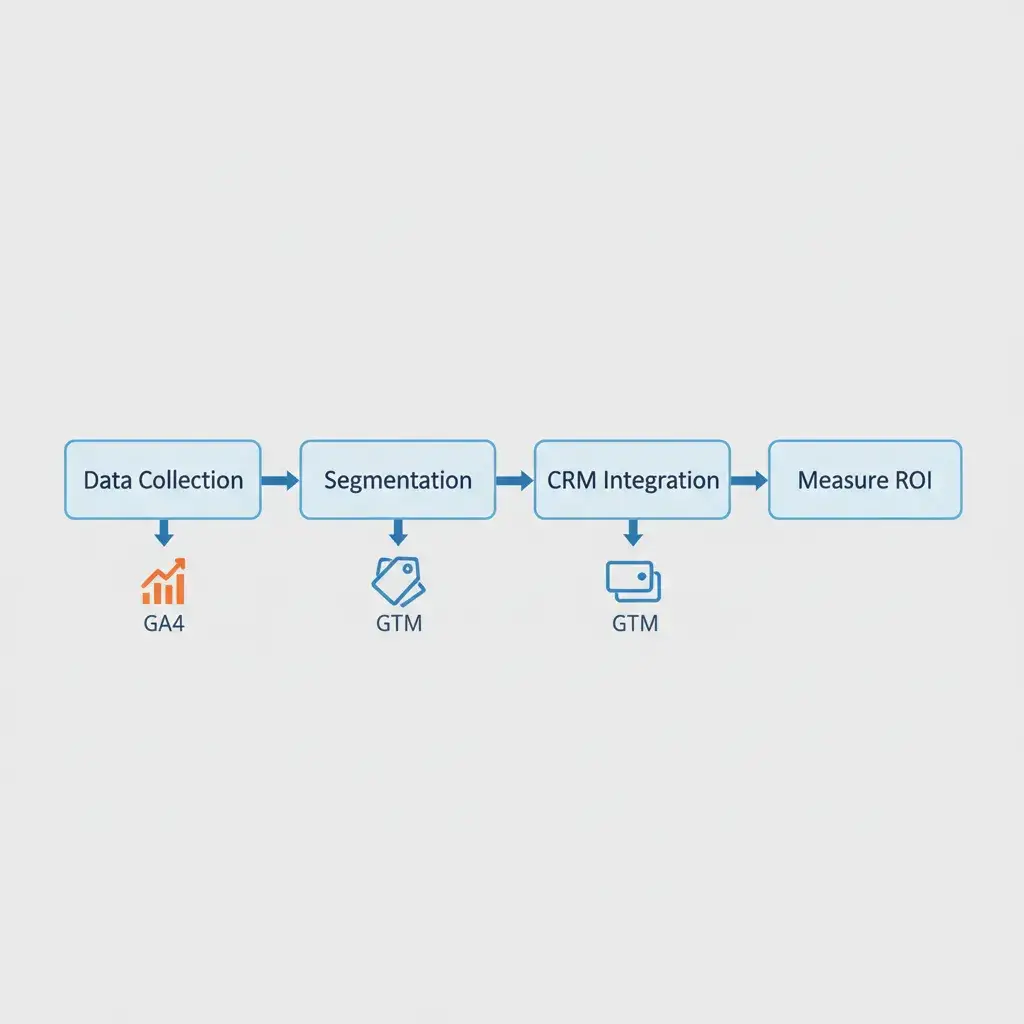
Are you really getting the most out of GA4? Many businesses aren’t – especially when it comes to keeping their data squeaky clean. When users seek to understand GA4 Custom Insights, they often encounter generic setup guides that miss the critical application: anomaly detection against sophisticated threats. These insights aren’t just for monitoring routine metrics; they’re a powerful, underutilized tool for proactive “Anomaly Detection 2.0.” This approach helps identify critical data pollution from sources like “Invisible Attribution” spikes unseen traffic from AI scrapers, or sudden surges in bot-polluted data. To fully master your analytics environment and stay ahead, explore our comprehensive guide to GA4 consulting and generative engine optimization.
⚡ Key Takeaways
- Traditional GA4 Custom Insights often fail to address sophisticated data pollution from AI scrapers and bot traffic.
- Anomaly Detection 2.0 leverages custom insights for proactive data integrity, focusing on “Invisible Attribution” and suspicious patterns.
- Strategic configuration of GA4 Custom Insights transforms them into a robust early warning system against modern analytics threats.
Why Your GA4 Custom Insights Aren’t Cutting It (And How to Fix It)
We get it – it’s incredibly frustrating when your GA4 Custom Insights don’t seem to catch the truly problematic data. You might feel like your data is vulnerable, and you’d be right to feel that way. That frustration often comes from a basic misunderstanding: we expect generic alerts to catch critical, nuanced threats. But they’re simply not designed for that. Automated insights, while useful for common fluctuations, typically aren’t designed to flag the subtle indicators of data pollution or the emergent patterns of “Invisible Attribution.” Let’s talk about “Invisible Attribution” – that sneaky, unseen traffic from AI scrapers and bots that strips referrer data or uses sophisticated cloaking, trying to hide its origins. These entities consume resources and skew metrics without providing any discernible value, yet they fly under the radar of standard monitoring.
The current state of GA4 alerts largely focuses on predefined thresholds for common metrics like user count or revenue changes. This works for expected business shifts. However, the rise of AI-driven web scraping and increasingly sophisticated botnets introduces a new class of threats. These threats manifest as anomalous traffic spikes, unusual geographic patterns, or sudden increases in unknown referral sources that traditional automated insights often overlook. Relying solely on these generic alerts leaves your data vulnerable, making it difficult to discern legitimate user behavior from malicious activity.
The Anomaly Detection 2.0 Framework: Proactive Data Integrity with Custom Insights
True data integrity in GA4 requires moving beyond generic monitoring. Our Anomaly Detection 2.0 Framework positions custom insights as your primary defense. This means proactively defining “critical anomalies” relevant to your specific business vulnerabilities. For an e-commerce site, a critical anomaly might be a sudden spike in sessions from an unusual geographic region with a 0% conversion rate. For a B2B SaaS platform, it could be an unexplained surge in sign-ups from `(not set)` sources that never progress past the onboarding stage.
This framework shifts focus from vanity metrics to identifying signals of real data threats. Instead of just tracking overall traffic, we look for anomalies within specific segments, like traffic from unassigned sources or user groups exhibiting non-human behaviors. By connecting these dots, GA4 Custom Insights become more than just notification tools; they transform into an early warning system. They flag potential data pollution events before they significantly impact your analytics, allowing for timely investigation and mitigation.
Building Your AI-Powered Alerts: A Step-by-Step Guide to Custom Insights for Data Pollution
Setting Up Your First Anomaly Insight: Detecting “Invisible Attribution” Spikes
To combat “Invisible Attribution,” we focus on traffic sources that fail to provide clear referrer information or exhibit unusual patterns. These often appear as `(not set)` in GA4 reports or as suspicious direct traffic. Here’s how to configure an insight:
- Navigate to “Reports” > “Insights” in GA4.
- Click “Create custom insight.”
- Choose “Start from scratch.”
- **Name your insight:** “Invisible Attribution Spike: (not set) Traffic”
- **Condition:** Select “When the condition(s) are met.”
- **Dimension:** “Session source”
- **Operator:** “exactly matches”
- **Value:** `(not set)`
- **Metric:** “Active users” (or “Sessions”)
- **Condition:** “increases by more than” (e.g., “50%”)
- **Timeframe:** “Daily” or “Weekly” (depending on your traffic volume)
- Configure email notifications to your team.
A practical example involves monitoring session increases from specific device categories that historically have low engagement. If mobile traffic from unknown sources suddenly jumps by 70% with a significantly higher bounce rate, it merits investigation.
Combating Bot-Polluted Data: Custom Insights for Suspicious Traffic Patterns
Bot traffic often exhibits characteristics that deviate from human behavior. We can leverage this to create targeted alerts:
- Create a new custom insight.
- **Name:** “Bot Activity Alert: High Bounce from Obscure GEO”
- **Condition 1 (Dimension):** “User geography”
- **Operator:** “is one of”
- **Value:** (Select regions not typically relevant to your business, or look for newly appearing, obscure locations)
- **Condition 2 (Metric):** “Bounce rate”
- **Operator:** “increases by more than” (e.g., “30%”). A high bounce rate often correlates with bots that hit a page and leave immediately.
- **Condition 3 (Optional – Metric):** “Average session duration”
- **Operator:** “decreases by more than” (e.g., “40%”). This further strengthens bot detection.
- Set the timeframe and notification preferences.
Another useful alert could target sudden spikes in user activity where “User engagement” or specific conversion events are absent. This helps identify bots performing non-valuable interactions.
The GA4 Anomaly Playbook: Custom Insight Configurations for Specific Threats
This playbook provides concrete configurations for common data pollution scenarios, offering a proactive defense strategy.
| Data Pollution Scenario | Recommended GA4 Custom Insight Conditions | Potential Business Impact |
|---|---|---|
| Invisible Attribution from AI scrapers | Session Source: (not set) increases by >X% |
Skewed traffic source analysis, inflated session counts, resource drain |
| Sudden Bot Traffic Spike | Traffic from specific GEO/ISP increases >Y% with Bounce rate >Z% |
Inaccurate user engagement metrics, wasted ad spend, server strain |
| Unusual Conversion Rate Drop (Bot interference) | Conversion rate for [key event] decreases >Z% AND Active users increases >A% (especially from suspicious sources) |
Misleading performance reports, incorrect marketing decisions, missed legitimate opportunities |
| Spike in Unengaged Sessions | Average session duration decreases by >X% AND Total users increases by >Y% |
Inflated user counts, poor understanding of actual user behavior, ineffective content strategy |
Turn Your Data Into Revenue
Join 40+ innovative brands using Goodish to unlock the “Why” behind user behavior. From server-side tagging to advanced retention modeling—we handle the tech so you can handle the growth.
Optimizing Your Anomaly Detection: Beyond Basic Alerts
Setting up alerts is the first step. To fully optimize your anomaly detection, integrate these insights with other GA4 features. When an alert fires, use GA4 Explorations to deep-dive into the anomalous segment. Create temporary Audiences based on the suspicious user properties or events identified by your alert. This allows for targeted filtering, further analysis, and potential exclusion from future reporting, if necessary.
While GA4 provides powerful native tools, leveraging external tools can enhance your investigation. Tools like custom dashboards in Looker Studio (formerly Data Studio) can visualize multiple anomaly signals simultaneously, offering a broader view. Integrating with CRMs or fraud detection systems can help cross-reference suspicious user IDs or IP addresses. Develop a clear response plan: What steps do you take when an “Invisible Attribution” alert triggers? Who investigates? What data points are needed? This structured approach ensures that alerts translate into actionable intelligence, not just notifications.
Future-Proofing Your Data: Evolving with AI and Analytics
The landscape of data pollution is constantly evolving. As AI becomes more sophisticated, so will the methods of web scrapers and bots. Staying ahead means regularly reviewing and refining your GA4 Custom Insights. Monitor your existing alerts for false positives or new blind spots. Adapt your conditions to new data pollution vectors as they emerge, whether it’s new bot signatures or changes in how AI scrapers mask their presence.
The battle for clean analytics data is ongoing. It requires vigilance, a deep understanding of your data, and the strategic deployment of tools like GA4 Custom Insights. By transforming these basic alerts into a powerful, AI-aware anomaly detection system, organizations can gain a significant edge. Goodish Agency helps businesses implement this advanced framework, ensuring their analytics data remains a reliable foundation for critical decisions, not a source of confusion.